 TraderMemos
Mobile app
Install the iOS or Android companion app and connect it to your own server.
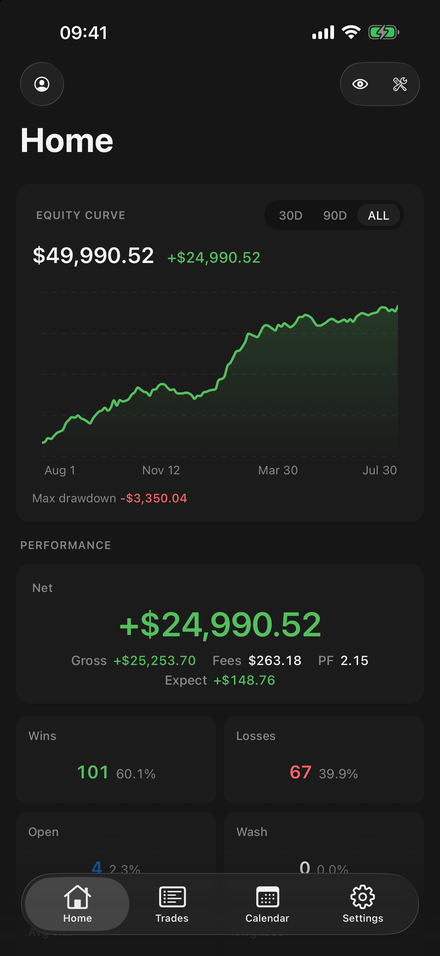
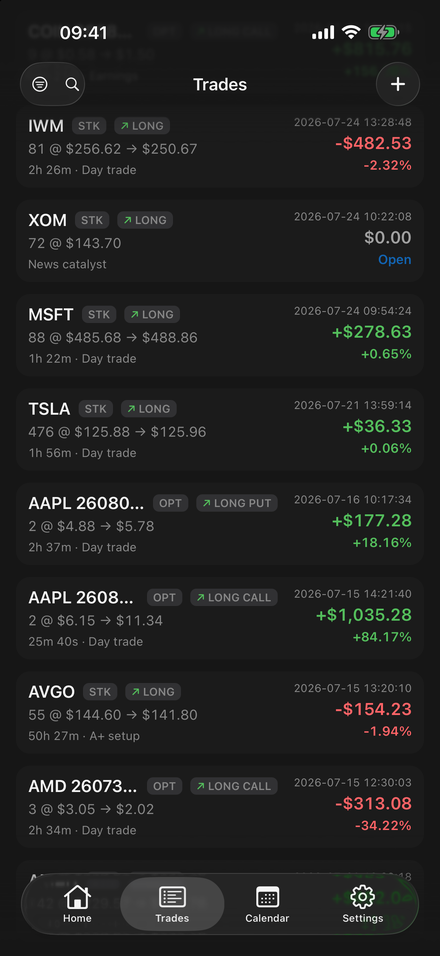
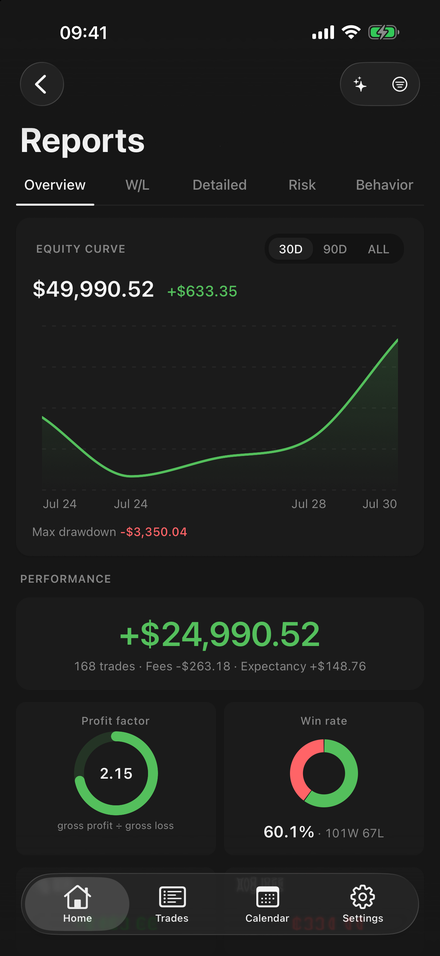
The TraderMemos companion app journals against your own server — the same accounts, trades, and reports as the web app, and it keeps working offline: reads come from a local cache, and journal writes (notes and quick-journal edits) queue up and replay in order once the server answers again. One Expo codebase covers both platforms.
iOS
Download TraderMemos on the App Store. iOS-only extras:
- Widgets — Today, Daily Routine (Home Screen and Lock Screen; tap an item to tick it without opening the app) and Missed Trades.
- Control Center (iOS 18+) — Next Routine Item ticks the next open item; Log Missed Trade opens the form.
- Siri, Shortcuts and Spotlight — Journal Last Trade, Log a Trade, Check Off Routine Item, Next Routine Item, Routine Progress, Log Missed Trade.
- Live Activities for an open trading session.
Android
There is no Play Store listing — the APK on the GitHub Release page is the Android distribution channel:
- Download TraderMemos.apk — this link always resolves to the newest release. To pick a specific build instead, browse the releases page.
- Open the file on your phone and allow Install unknown apps for your browser or file manager when Android asks. Chrome warns before any APK download; the warning is about sideloading in general, not about this file.
- To update, install the newer release's APK over the old one — it upgrades in place and keeps your data.
Every release also ships TraderMemos.apk.sha256 if you want to verify the download,
alongside a version-stamped TraderMemos-<version>.apk kept for archiving.
Connect to your server
On first launch, enter your instance URL in Server address — for example
https://journal.example.com or http://192.168.1.10:8080 — along with your credentials, the
same Server at login model the web app uses. The app probes /healthz first, so an
unreachable server reports as such rather than as bad credentials. If the server has no users
yet, the app shows the first-user setup instead (Create owner account), the same as the
web setup wizard. To point the app at a different server later, use Change server in
Settings.
Your phone needs to reach the server: on the same LAN, over a VPN/tunnel, or via a public HTTPS domain (see Reverse proxy). Tokens are stored in the platform keystore (iOS Keychain / Android Keystore), never in plain storage.
Day to day
Home leads with the review loop: This week's focus (the bullets from your last weekly review), Today's routine, and an N trades to review row that opens the review queue — one trade at a time, grade it, Save and next or Skip for now. See Daily workflow and Weekly review.